Quest 1 of 15
Intro to AI
Non-technical overview of AI history, key terms, and how data, models, and applications fit together—beginner-friendly with no prior experience required, with optional stretch readings for enthusiasts. Includes integrity guidance for learners in Zimbabwean schools and universities (original work vs AI assistance). You will gain vocabulary to explain AI clearly while recognising that outputs are not automatically correct. For example, you will identify a prediction label and a possible data-leakage risk in a small public dataset.
Start here
Never studied AI before? Start here. We explain what AI actually is, how it differs from normal apps, and what you should never blindly trust.
Big idea
Artificial Intelligence (AI) is software that spots patterns or generates content in ways that feel human — but it is not a person. It can help you study when you understand what it is good at and where it fails.

Learn one idea at a time
Read, explore, then mark each idea when you can explain it.
Idea 1 of 9
Start with the software you already know. A calculator, an ATM, or a school timetable app follows fixed rules a programmer wrote in advance: IF you press “+”, THEN add the two numbers; IF the withdrawal exceeds the limit, THEN refuse. This approach is dependable precisely because it is rigid — the program does the same thing every time, and you can trace exactly why. Its weakness is the same rigidity: if nobody wrote a rule for a situation, the software cannot handle it. Recognising unfamiliar spam, understanding a spoken question, or describing a photo cannot be reduced to a manageable list of IF-THEN rules, and that gap is where AI becomes useful.
Live interactive diagrams
Tap nodes, stages, or cards to explore — these diagrams match this module’s ideas.
Sort the tool behaviour
- Calculator multiply
- Chatbot essay draft
- PIN lock after 3 tries
- Video recommendations
Tap Left or Right for each example, then "Why?" for the AI explanation.
Choose a deep dive
Open the topics you want to explore. The detail stays folded until you need it.
Deep dive 1AI finds patterns; it does not think like a person
Most AI systems produce an answer by matching patterns from many earlier examples. A music app predicts what you may enjoy; a chatbot predicts likely next words. This can be useful, but the system has no personal experience or common sense to notice every mistake.
Deep dive 2Different AI tools do different jobs
Some AI labels things, such as spam or healthy crops in a photo. Other AI predicts a number, such as tomorrow's demand for bread. Generative AI makes new text, images, or audio, which is why it needs extra fact-checking before you share its work.
Deep dive 3Case study: the study group that used AI two different ways
Two friends prepare for the same biology exam. The first pastes the revision questions into a chatbot, copies the answers into her notebook, and feels productive. The second asks the chatbot to quiz him, attempts each answer from memory first, and asks for an explanation only where he went wrong. In the exam, the second student performs far better — not because his AI was smarter, but because he used it to force retrieval and expose gaps, while she used it to avoid both. The tool was identical; the learning strategy made the difference.
Deep dive 4How to read an 'AI-powered' claim
Products love the AI label, but the label alone tells you nothing. When you see it, ask: what task does it perform, what data does it learn from, how was it tested, and what happens when it is wrong? A weather app that says 'AI-powered forecasts' should be judged on forecast accuracy, not branding. A homework app that promises 'AI marking' should be tested against a teacher's marking before anyone relies on it. Practising these questions turns you from a consumer of hype into an evaluator of tools — a skill that stays valuable no matter how the technology changes.
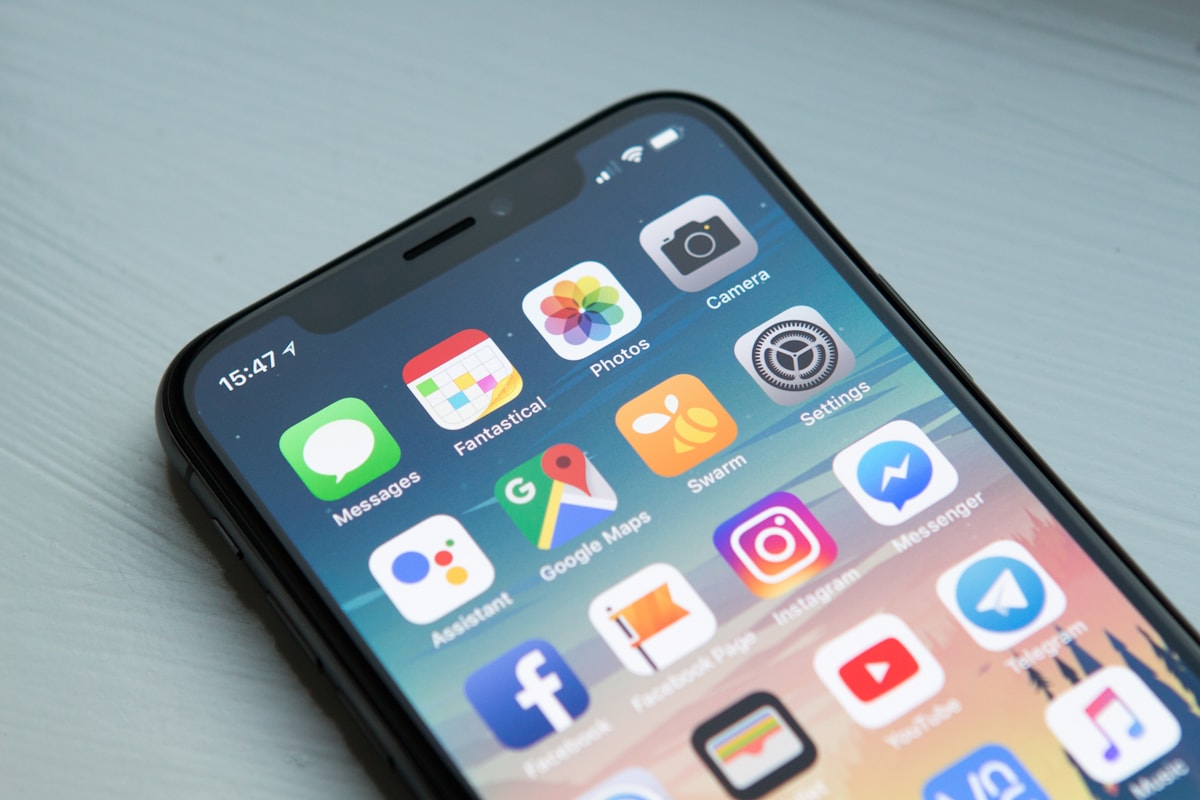
Deep dive 5AI is software on screens you know
Sort apps into rules, learning, and generative drafts — then practise not over-trusting fluent answers.
One-minute challenge
Connect this lesson to real life
Name one situation where this idea could help, and one thing a person should still check.
Explore a real-world example
Use the arrows to connect the idea to a visible situation.
Photo example
Example: study with verification
Keep a textbook open beside the chat.

Key terms
Tap a term to flip and read the definition.
Optional further learningFree textbooks and trusted online resources
These sources informed the course structure. Use them to revisit a concept or study it in more depth.
Ready check
Tick each idea only when you could explain it without looking back.
Ready for practice? Read the key terms above, then try the flashcards and quiz — they check that you understand the ideas, not memorised jargon.
Extra context (audience, logistics, curriculum notes)
Built for: For professionals, students, and career-changers who need accessible, self-paced learning—whether you are preparing for formal employment, freelancing for regional clients, or supporting a family business in town or growth point.
Formats: Self-paced video and interactive exercises (Coursera-style flexibility, report §2) · Optional live virtual cohort or office hours · Optional weekend bootcamp add-on where offered
Individual curriculum module 1 — overview, history, terms; videos/quizzes; quiz assessment (report §2).
Next up
Ready for the next part?
When you've finished the reading, inline exercises, and knowledge check for this part, check the box to continue.