Quest 2 of 15
AI for Corporate Workflows
Map where AI tools improve real company workflows: triaging email and tickets, drafting reports and SOPs, summarising meetings, extracting data from PDFs, approval routing, and cross-system sync between CRM, ERP, and spreadsheets. Draw on patterns from enterprise automation — document intelligence, intelligent approvals, and internal knowledge search. For example, you will design a workflow where an assistant drafts a customer reply but a manager approves before send.
Start here
Focus on workflows your team repeats every week — not abstract “AI strategy.” The best corporate wins are boring: faster reports, fewer copy-paste steps, clearer handoffs.
Big idea
Match the tool to the workflow: document intelligence for PDFs and contracts, copilots for drafts, automation for repetitive sync, agents for multi-step research with human gates.

Learn one idea at a time
Read, explore, then mark each idea when you can explain it.
Idea 1 of 9
Document workflows are usually the richest seam, because every organisation is quietly drowning in PDFs. Document intelligence tools extract tables from invoices into spreadsheets, summarise fifty-page RFPs into decision briefs, and compare contract clauses across versions to show what changed. The hours involved are real: an accounts clerk re-keying invoice line items, a bid manager reading tenders all weekend, a lawyer diffing contracts by eye. The non-negotiable habit that comes with the gains: verify against originals. Extraction can misread a scanned digit, and a summariser can drop the one clause that mattered — so extracted totals get reconciled, and summaries of consequential documents get spot-checked against the source before anyone acts on them.
Live interactive diagrams
Tap nodes, stages, or cards to explore — these diagrams match this module’s ideas.
Workflow pilot with kill criteria
Name success in business language.
Choose a deep dive
Open the topics you want to explore. The detail stays folded until you need it.
Deep dive 1Choose work where AI changes a measurable result
Good candidates are frequent tasks with enough reliable data and a clear cost of delay or error. For example, a Kenyan retailer might forecast stock-outs for fast-moving goods, while a service team might summarise approved call notes. “Build a chatbot” is not a use case until it names users and a result such as shorter response time.
Deep dive 2A pilot is an experiment, not a promise
A pilot should test the riskiest assumption first: perhaps whether staff will use the tool, data is sufficient, or the answer quality is safe. Compare pilot results with the current process, not with an imagined perfect future. Keep the pilot small enough that people can learn without disrupting customers.
Deep dive 3Worked example: turning a complaint into a use case
A customer-service lead complains that 'the team drowns in email'. That is a symptom, not a use case. Investigation shows the real pattern: forty per cent of inbound messages are status enquiries whose answers already exist in the order system. The use case becomes precise: automatically match status enquiries to order records and draft a reply for agent approval, measured by first-response time and agent hours freed. Scope excludes complaints and refund requests, which stay fully human. Six weeks later the team can report first-response time halved on the covered category — a defensible result because the use case was narrow enough to measure.
Deep dive 4Feasibility is mostly a data question
Before scoring a use case as attractive, check what it needs to run every day: which systems hold the input data, whether access is permitted for this purpose, how messy the records are, and who fixes them when they break. A brilliant use case with data trapped in scanned PDFs and personal spreadsheets may cost more in preparation than it returns in benefits — while a duller use case with clean, accessible data ships in weeks. Rank candidates on value multiplied by data readiness, and be suspicious of any proposal that cannot name its data sources.
Deep dive 5Workflows before tools
Name the weekly process, handoffs, and approval step — then pick document AI, copilot, or automation.

One-minute challenge
Connect this lesson to real life
Name one situation where this idea could help, and one thing a person should still check.
Explore a real-world example
Use the arrows to connect the idea to a visible situation.
Photo example
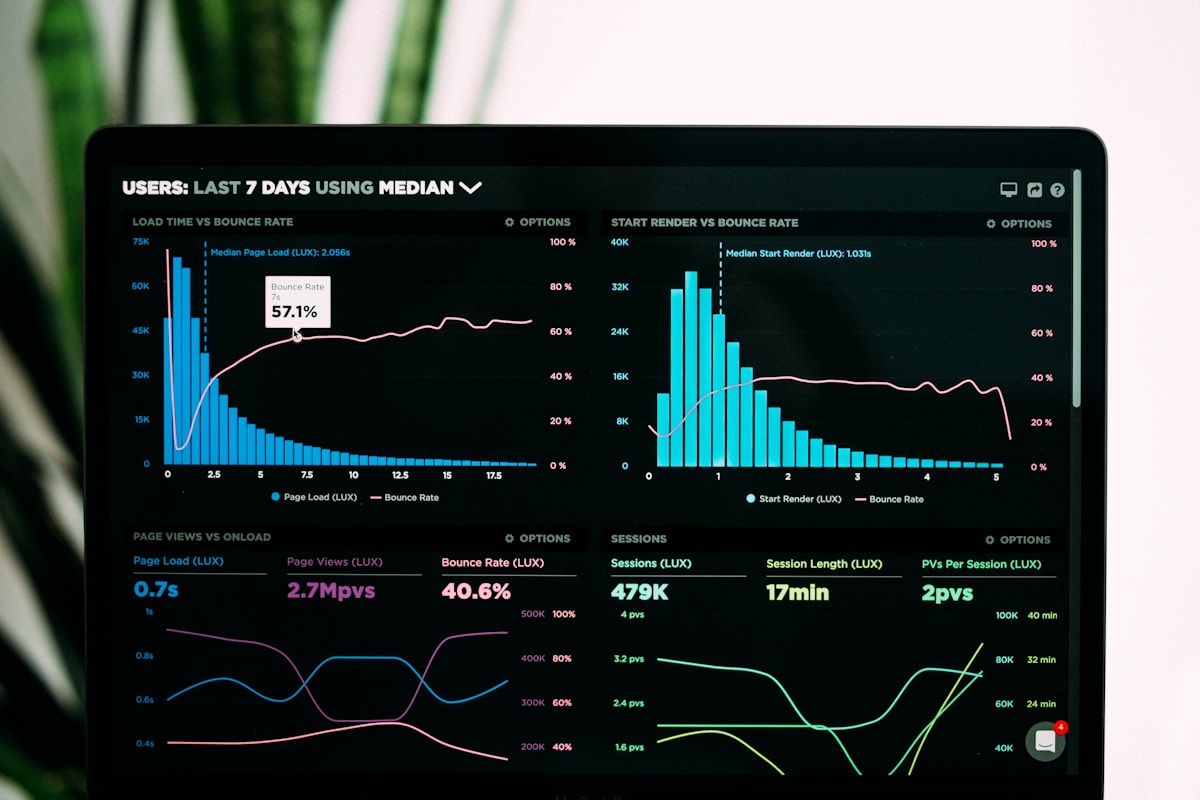
Example: ticket triage
AI suggests priority; human assigns owner in the helpdesk.
Key terms
Tap a term to flip and read the definition.
Optional further learningFree textbooks and trusted online resources
These sources informed the course structure. Use them to revisit a concept or study it in more depth.
Ready check
Tick each idea only when you could explain it without looking back.
Ready for practice? Work through case scenarios, then check understanding with the quiz.
Extra context (audience, logistics, curriculum notes)
Built for: Spot workflow wins in your department and articulate them as time saved, fewer errors, or faster decisions — not as “we need AI” branding.
Formats: Case study walkthroughs (video + workbook) · Live cohort breakouts (Zoom) or in-person syndicate tables · Group discussion prompts with facilitator notes
Week 2 — corporate workflow use cases; case studies and group discussions (report §1).
Next up
Ready for the next part?
When you've finished the reading, inline exercises, and knowledge check for this part, check the box to continue.