Quest 7 of 15
Inclusive education and accessibility with AI
AI can help make learning materials more accessible, but teachers must check accuracy, learner dignity, privacy, and whether the tool actually removes a barrier.
Start here
This module builds on earlier parts, but every important idea is explained in context. AI can help make learning materials more accessible, but teachers must check accuracy, learner dignity, privacy, and whether the tool actually removes a barrier. As you read, connect each concept to the worked example and ask what a person must still decide.
Big idea
AI can help make learning materials more accessible, but teachers must check accuracy, learner dignity, privacy, and whether the tool actually removes a barrier.
Learn one idea at a time
Read, explore, then mark each idea when you can explain it.
Idea 1 of 8
Start with the specific learner barrier and educational goal, rather than the technology or tool.
Live interactive diagrams
Tap nodes, stages, or cards to explore — these diagrams match this module’s ideas.
Accessibility help vs dignity risk
- Alt-text drafts teacher verifies
- Auto-label learners as ‘slow’
- Multiple formats of one text
- Share disability details with a public bot
Tap Left or Right for each example, then "Why?" for the AI explanation.
Choose a deep dive
Open the topics you want to explore. The detail stays folded until you need it.
Deep dive 1Adapt materials without lowering expectations
AI can draft a simplified explanation, image description, or first-pass transcript. The teacher checks curriculum accuracy and keeps challenging learning goals where they remain appropriate.
Deep dive 2Accessibility is local and personal
A tool that works for one learner may not work for another. Consider disability, language, device access, connectivity, and the learner's own preferences.

Deep dive 3Worked example: Inclusive education and accessibility with AI
A teacher wants an AI tool to simplify a science text for a learner who is still developing the language of instruction. A responsible response is: Generate a draft, check scientific meaning and key vocabulary, then offer it alongside the original and visual supports. Correct: this supports access without quietly removing the learning goal. Use this case to separate what the technology contributes from what people contribute. The team should compare the intended outcome with a baseline where applicable, record important assumptions, and keep a clear route to correct or stop the process.
Deep dive 4Local check for Inclusive education and accessibility with AI
Ask whether the examples, data, and assumptions fit your school, company, or community. Generic demos often miss local names, laws, connectivity, and languages.
Deep dive 5Inclusion needs multiple formats
AI can draft accessible versions — check meaning and offer the original with supports.

One-minute challenge
Connect this lesson to real life
Name one situation where this idea could help, and one thing a person should still check.
Explore a real-world example
Use the arrows to connect the idea to a visible situation.
Photo example
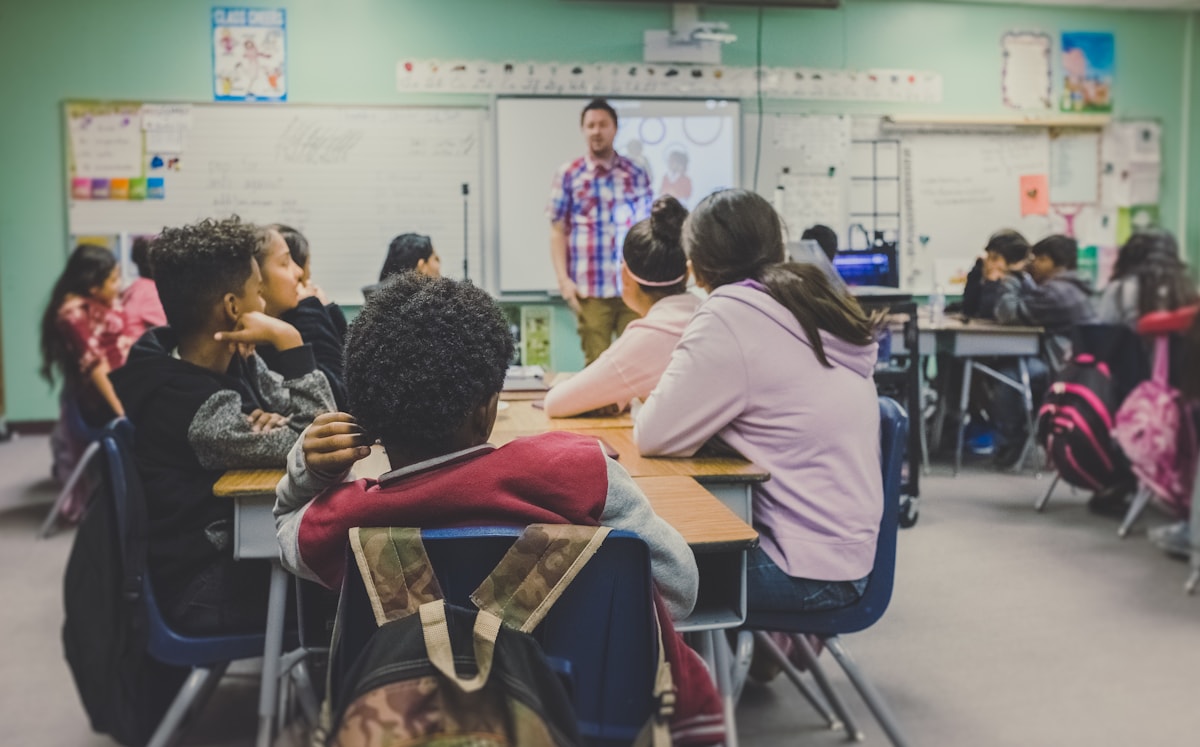
Accessible lesson design
A learning goal stays clear while multiple formats and reviewed supports remove unnecessary barriers.
Key terms
Tap a term to flip and read the definition.
Optional further learningFree textbooks and trusted online resources
These sources informed the course structure. Use them to revisit a concept or study it in more depth.
Ready check
Tick each idea only when you could explain it without looking back.
Ready for practice? Choose one lesson resource and identify a barrier an accessible alternative could remove.
Extra context (audience, logistics, curriculum notes)
Built for: Teachers and education leaders — classroom-first.
Formats: Learn scroll · Practice interactions · Quiz · Optional chat lab
Module 7 — Inclusive education and accessibility with AI
Next up
Ready for the next part?
When you've finished the reading, inline exercises, and knowledge check for this part, check the box to continue.